This page contains affiliate links. If you make a purchase through one, we may earn a commission at no extra cost to you.
Bluetooth connection problems on Marshall headphones are usually fixable in a few minutes. The most common causes are a phone still remembering an old pairing, too many devices paired at once, or another Bluetooth device nearby causing interference. Here’s how to work through it.
See the Marshall Major V and Monitor III A.N.C.
Forget the Device and Pair Again From Scratch
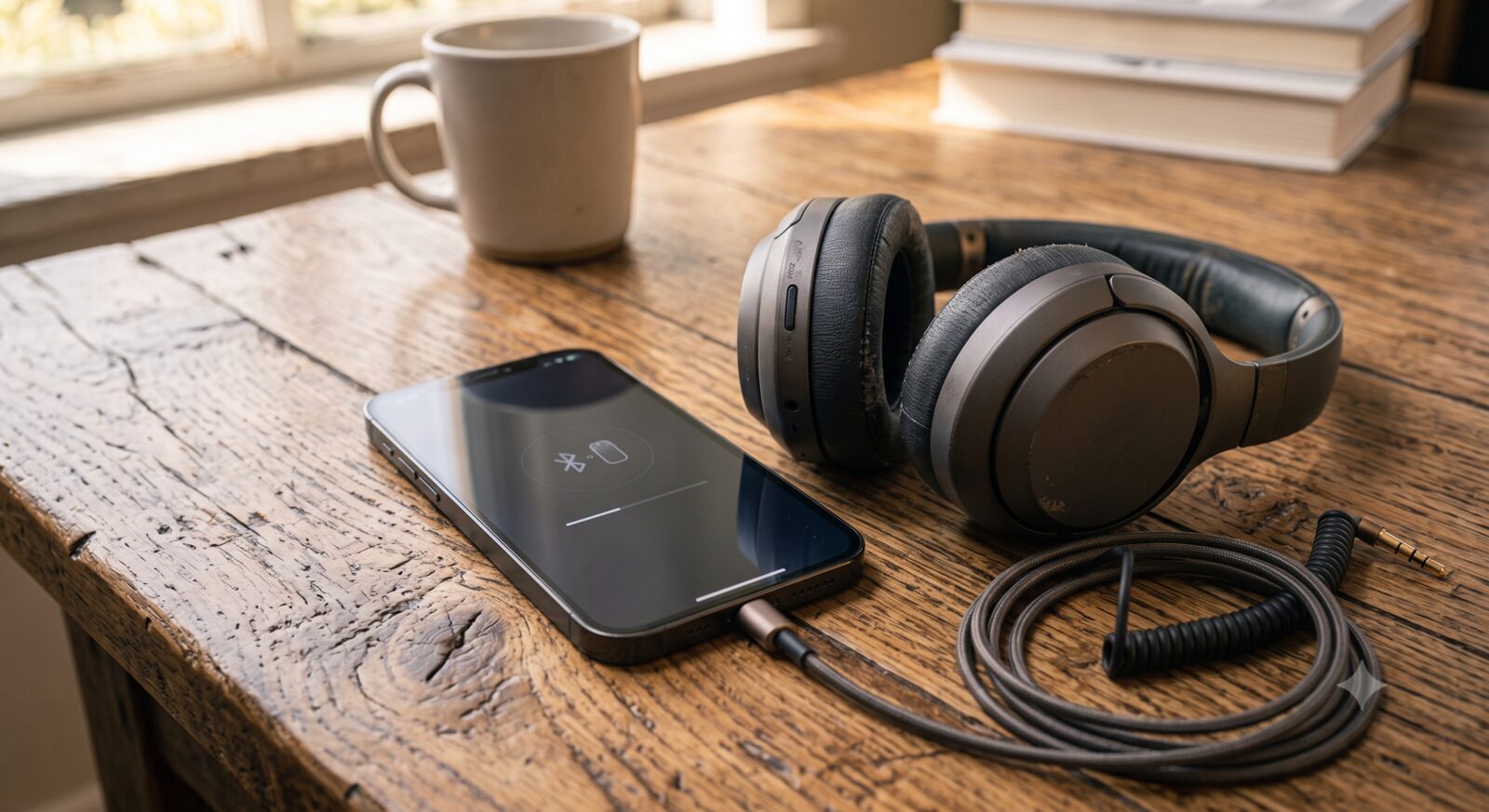
This fixes the majority of connection problems. On your phone or computer, go into Bluetooth settings, find the headphones in the list, and choose “Forget This Device” or “Remove Device.” Then turn the headphones off and back on, put them into pairing mode, and connect again as if it were the first time.
Clear Out Other Paired Devices
The Major V and Monitor III A.N.C. both support multi-point Bluetooth, meaning they can stay connected to two devices at once. This is convenient, but it can also cause confusion if the headphones keep trying to reconnect to a device you’re not using right now. If you’re having trouble, disconnect from every other device first, then connect to just the one you want to use.
Turn Bluetooth Off and On on Your Phone
This sounds too simple to work, but it resets your phone’s Bluetooth connection and clears up a surprising number of dropped or failed connections. Turn Bluetooth off, wait about 10 seconds, then turn it back on and try connecting again.
Move Away From Other Wireless Devices
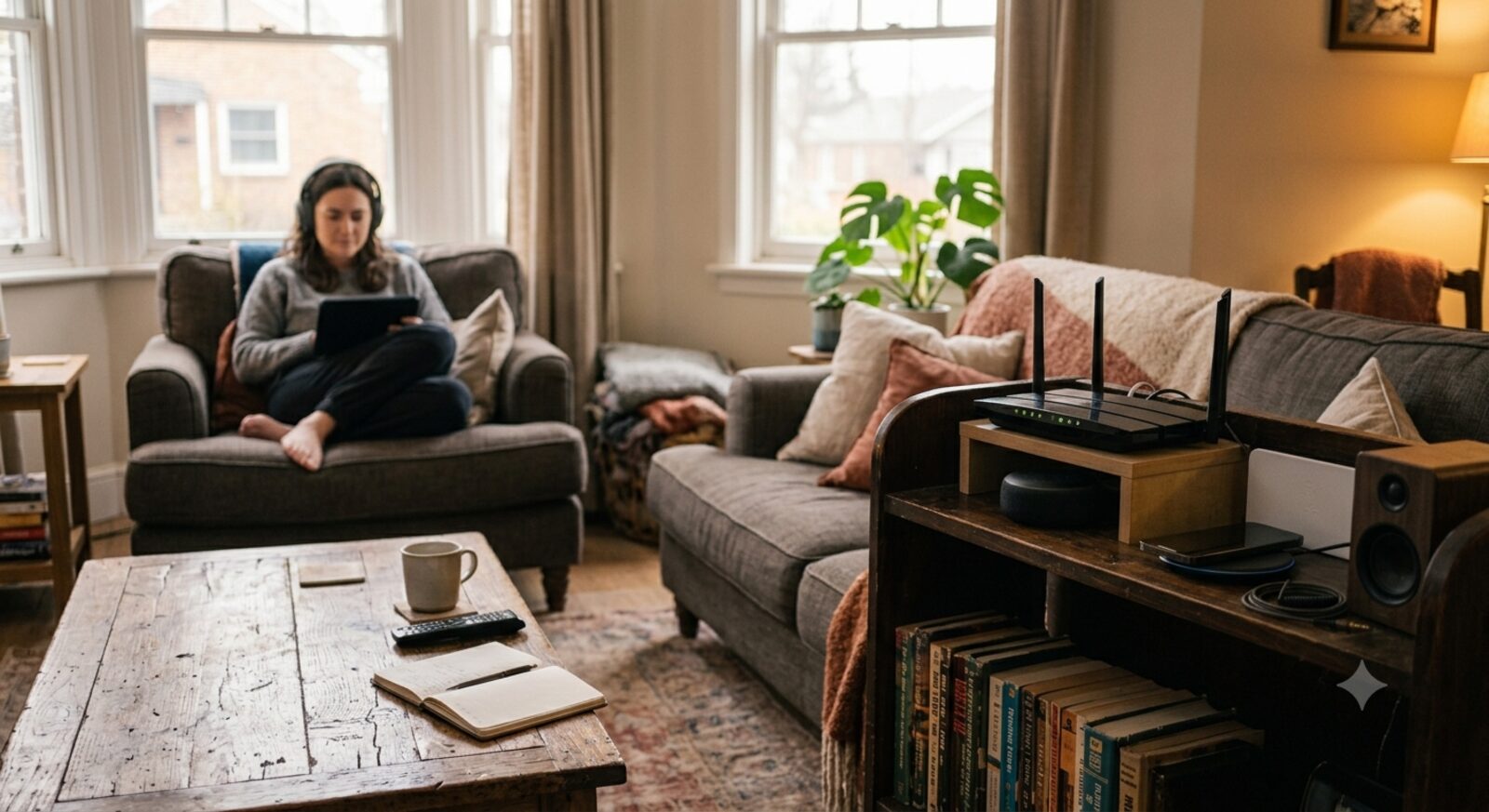
Wi-Fi routers, other Bluetooth speakers, and even microwaves can interfere with a Bluetooth signal. If your connection keeps cutting out in the same spot in your house, try moving to a different room or turning off nearby wireless devices you’re not using.
Check Your Actual Distance and Line of Sight
Bluetooth’s realistic reliable range is closer to 30 feet than the 100+ feet sometimes advertised, and that number drops fast once walls, especially concrete or plaster with metal lath, get involved. If your dropouts happen consistently when you walk into another room or leave your phone on a different floor, that’s simple physics, not a defect — keeping your phone in the same room, or at minimum the same open area, solves it without any troubleshooting. This is also worth ruling out before spending time on a full factory reset below, since it’s the single most common cause people mistake for a hardware problem: see current Marshall models and their stated range if you want to compare before assuming yours is underperforming.
Reset the Headphones to Factory Bluetooth Settings
If nothing else has worked, a full reset clears every saved pairing and starts fresh. Check the Marshall app or your headphones’ manual for the exact reset steps for your model, since this can vary slightly between the Major V and Monitor III A.N.C.
Check for a Firmware Update
Marshall pushes out firmware updates through its app that specifically fix Bluetooth bugs from time to time. If your headphones are behaving strangely and nothing above has fixed it, an outdated firmware version is a common, easy-to-miss cause. Compare both models if you’re finding the connection issues are frequent enough that a replacement makes more sense than continued troubleshooting.
Frequently Asked Questions
Why do my headphones keep connecting to the wrong device?
This usually happens with multi-point Bluetooth when more than one previously paired device is turned on and in range at the same time. Turn off Bluetooth on the device you don’t want to use, and the headphones should connect to the right one.
Can too many paired devices cause problems?
Yes. Most Bluetooth headphones can only remember a limited number of paired devices. If you’ve paired the headphones with many different phones, tablets, or computers over time, clearing out the ones you no longer use can help the connection stay stable.
Is this a sign the headphones are breaking?
Not usually. Most connection problems are software-related, not a hardware failure. If you’ve gone through every step above and the problem still happens constantly, that’s when it’s worth contacting Marshall support to check for a hardware issue.