This page contains affiliate links. If you make a purchase through one, we may earn a commission at no extra cost to you.
If your Marshall headphones won’t turn on, or they turn off by themselves right after you turn them on, the cause is almost always the battery, the charging cable, or a small software glitch. Here is how to figure out which one it is.
See the Marshall Major V and Monitor III A.N.C. if a replacement ends up being the right call.
Start With the Charging Cable and Port
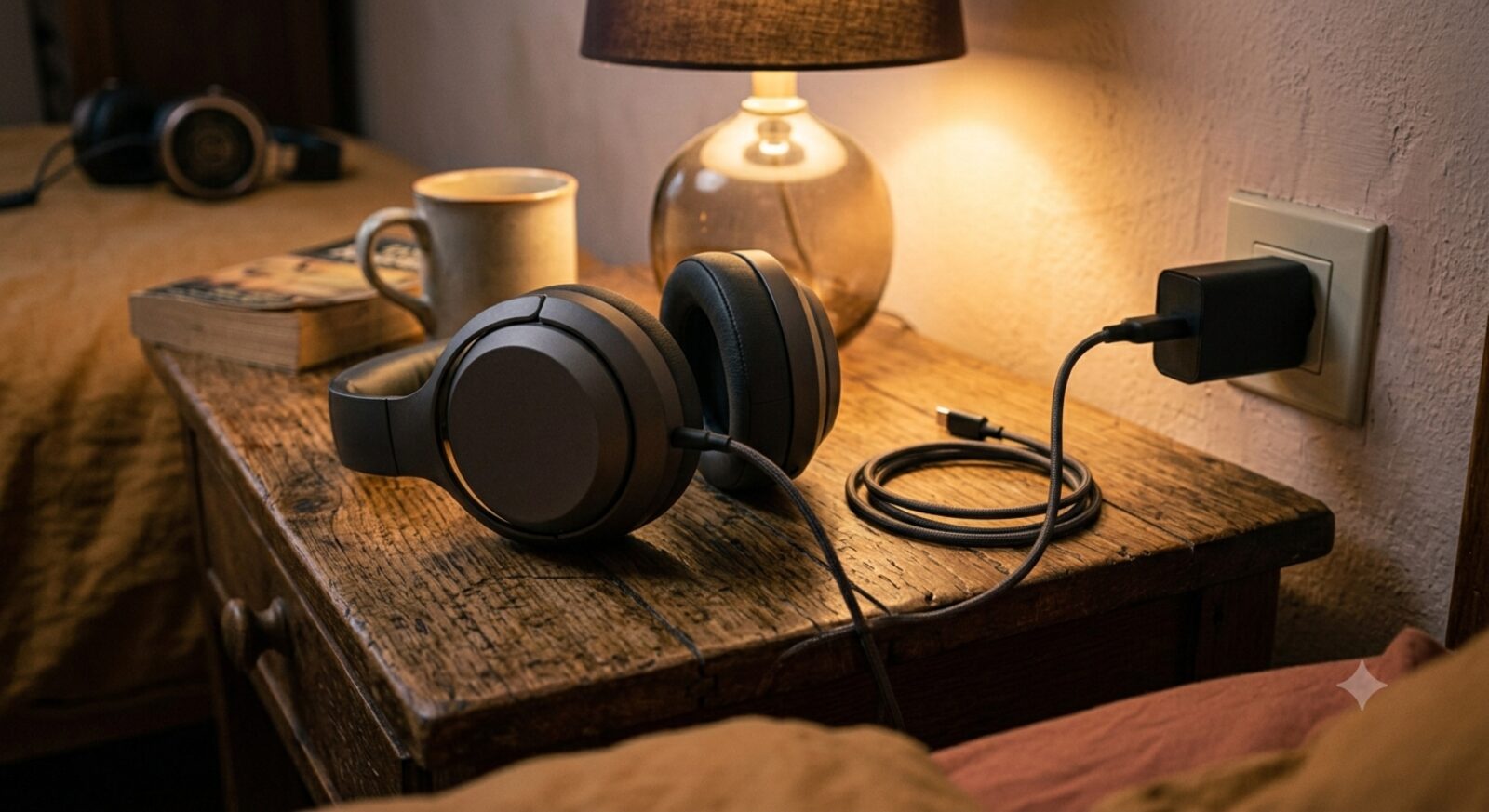
A bad cable is the single most common reason headphones “won’t turn on.” Try a different USB cable and a different power source, like a wall plug instead of a laptop’s USB port. Also check the charging port on the headphones for lint or dust, which can block a full connection.
Give It a Real Charge, Not a Quick Check
If the battery is completely dead, the headphones may not respond right away when you plug them in. Leave them charging for at least 30 minutes before trying to turn them on again. Look for a charging light on the headphones to confirm power is actually reaching them.
Do a Long-Press Reset
Hold the power button down for 10 to 15 seconds, even if the headphones seem completely off. This forces a reset that clears the kind of small software freeze that can make headphones seem dead when the battery is actually fine.
Read the LED Light Before You Assume the Worst
Before you write the headphones off, check what the indicator light is actually doing, since it usually tells you which category of problem you’re dealing with. A solid light that stays on but doesn’t respond to the power button often points to a software freeze rather than a hardware failure — the long-press reset above is the right fix. A light that flashes rapidly and won’t settle typically means the headphones are stuck trying and failing to pair, which is a Bluetooth-pairing issue rather than a power issue, and a full reset (removing the device from your phone’s Bluetooth list, then re-pairing from scratch) usually clears it. No light at all, even while actively charging on a cable and outlet you’ve confirmed works with another device, is the strongest sign of an actual dead battery — that’s when checking current replacement options becomes the practical next step rather than more troubleshooting.
If They Turn On, Then Immediately Shut Off
This pattern usually points to one of three things:
- A battery that can no longer hold a charge. This is normal after about two years of daily use. Lithium batteries wear out over time, and this is not a defect, it’s just how batteries age.
- Moisture inside the headphones. Sweat or rain can trigger an automatic safety shutdown. Let them sit somewhere dry and warm, away from direct heat, for at least 24 hours before trying again.
- A firmware bug. Open the Marshall app, connect the headphones if possible, and install any pending update.
When to Stop Troubleshooting and Replace Them
If you’ve tried a different cable, a full charge, and a reset, and the headphones still won’t stay on, the battery itself has likely failed. Headphone batteries are usually sealed inside the device and are not designed to be swapped out at home. If your headphones are out of warranty, replacing them is typically more practical than a battery repair.
Frequently Asked Questions
How long should Marshall headphones’ battery actually last, day to day?
The Major V is rated for around 100 hours per charge, which is unusually long for headphones. If yours is dying much faster than that and it’s less than two years old, a firmware update or reset is worth trying before assuming the battery has failed.
Can I replace the battery myself?
It’s not recommended. The battery is sealed inside the headphones, and opening the case yourself will void your warranty and risks damaging other parts.
Is a dead-on-arrival battery covered under warranty?
Yes, a battery that fails well within the warranty period and wasn’t caused by water damage or physical damage is normally covered. Contact Marshall support with your proof of purchase.