This page contains affiliate links. If you make a purchase through one, we may earn a commission at no extra cost to you.
If only one side of your Marshall headphones is working, the most common cause is a loose or broken wire inside the headband. This is a known issue on Marshall headphones, and it usually is not something you did wrong. Below are the steps to check before you assume the worst.
See the Marshall Major V and Monitor III A.N.C. if yours ends up needing a replacement.
First, Rule Out Your Phone or Laptop
Before you blame the headphones, check your device. Phones and computers have a “balance” setting that controls how much sound goes to the left and right side. If this got bumped by accident, it can sound exactly like a broken headphone.
- On an iPhone: go to Settings, then Accessibility, then Audio/Visual, and check the Balance slider is centered.
- On Android: go to Settings, then Accessibility, then Hearing enhancements, and check the sound balance.
- On a Windows or Mac computer: check the sound settings for a balance or left/right slider.
If the balance is centered and you still only hear one side, move on to the headphones themselves.
Test With a Different Device
Connect your headphones to a second phone, tablet, or computer. If one side is still silent on a completely different device, the problem is the headphones, not your original phone.
Check the Cable or Connector for Corrosion
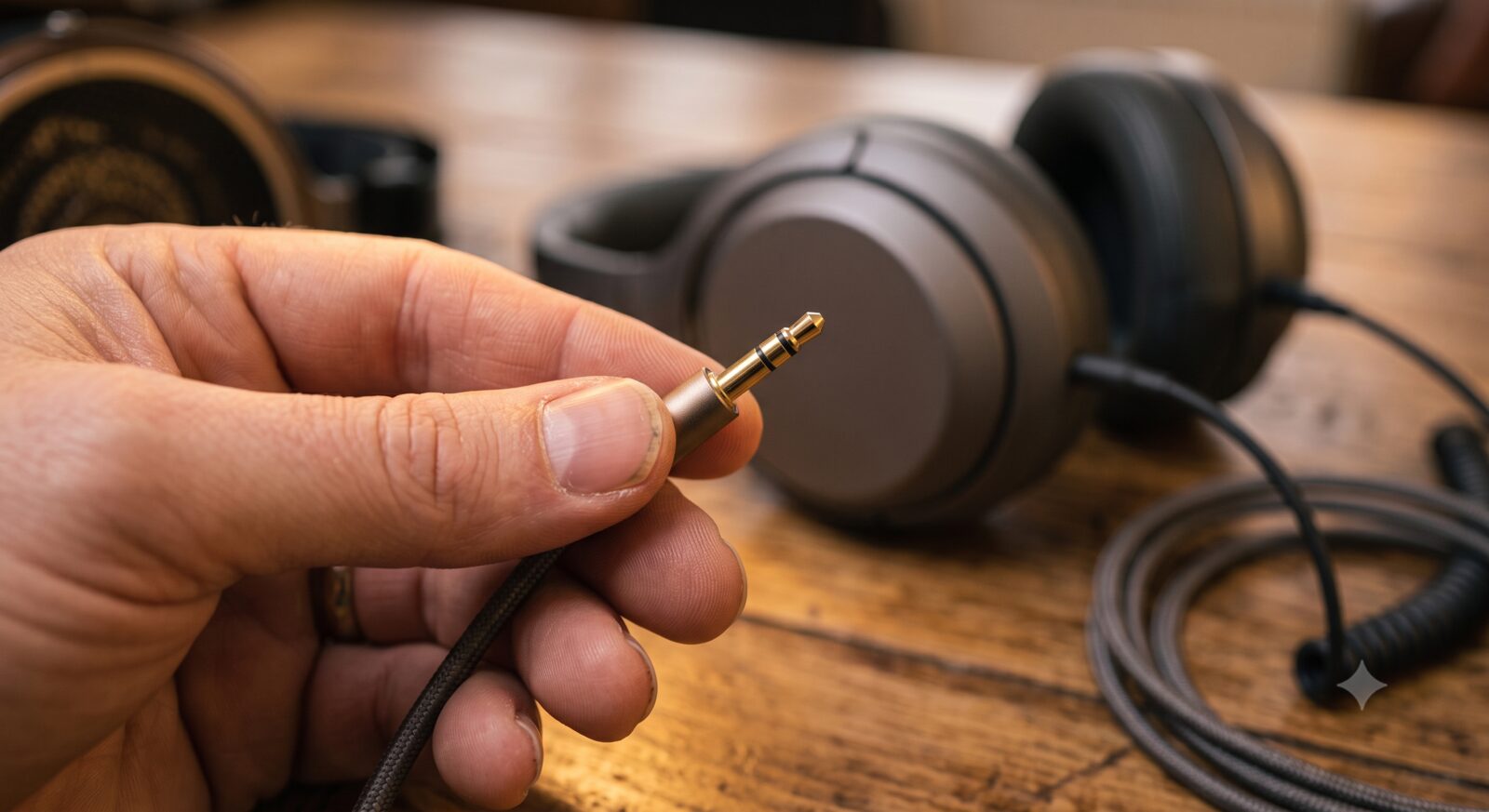
If you’re using the included 3.5mm cable rather than Bluetooth, one-sided sound is very often the cable, not the headphones. A bent pin or a build-up of pocket lint and oxidation on the connector can drop one channel entirely. Wiggle the cable gently at both ends while audio is playing — if the sound cuts in and out as you move it, the cable itself is the problem, not the headphone hardware. A cheap replacement 3.5mm cable is worth trying before assuming the headphones themselves have failed. On the wireless side, check current Marshall models for their exact charging-pin layout, since the same corrosion issue can affect the charging contacts and cause intermittent one-sided audio after a partial charge.
Reset the Headphones
A simple reset fixes more of these problems than people expect. Turn the headphones off, then hold the power button down for about 10 to 15 seconds until you see the light flash. This clears a small software glitch that can cause one side to drop out.
Check for a Firmware Update
Marshall headphones can update their internal software through the Marshall app. An outdated firmware version has been known to cause sound dropping out on one side. Open the app, connect your headphones, and install any update it offers.
When It’s a Hardware Problem
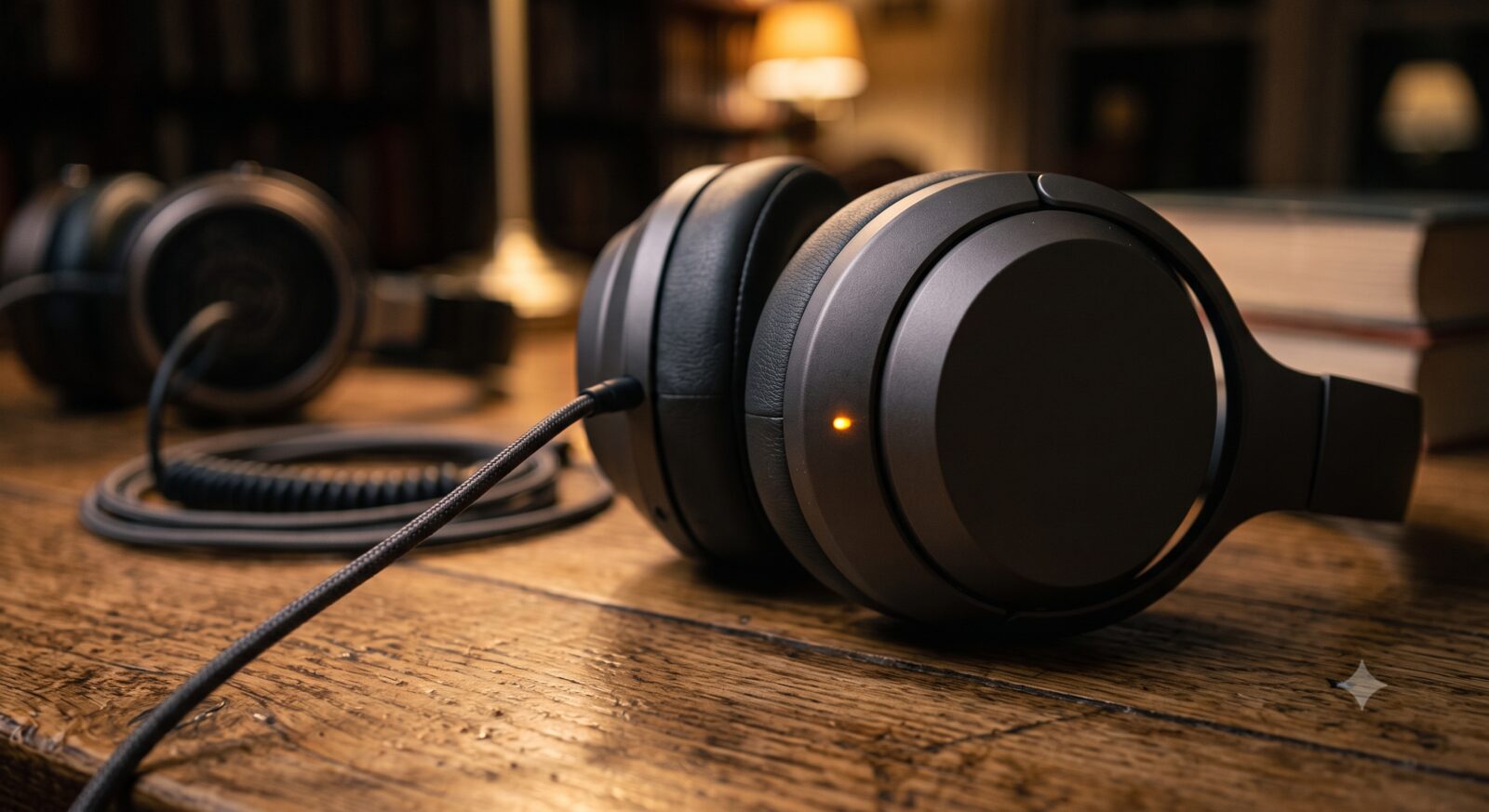
If you tried all of the above and one side is still silent, the likely cause is a broken wire inside the headphones. The wire that connects the two ear cups can wear out or snap after enough folding and daily use. This is not something you can fix at home safely, and opening the headphones yourself will void your warranty.
If your headphones are still under warranty, contact Marshall support directly for a repair or replacement. If they are out of warranty, it is usually more practical to replace them than to pay for a repair.
Frequently Asked Questions
Can I fix a broken wire myself?
It is possible if you are comfortable with basic electronics repair, but it is not recommended for most people. Opening the headphones will void your warranty, and the wire is often hard to reach without damaging other parts.
Does this happen on both wired and Bluetooth Marshall headphones?
Yes. Wired models can have a broken cable, and Bluetooth models can have a broken internal wire in the headband. The troubleshooting steps above apply to both.
Is one-sided sound covered under warranty?
Usually yes, if it happens within the warranty period and is not caused by physical damage like dropping them or bending the headband too far. Contact Marshall support with your proof of purchase to start a claim.